 Wrenfold Labs
Your IDs, cards and documents, encrypted on your phone.
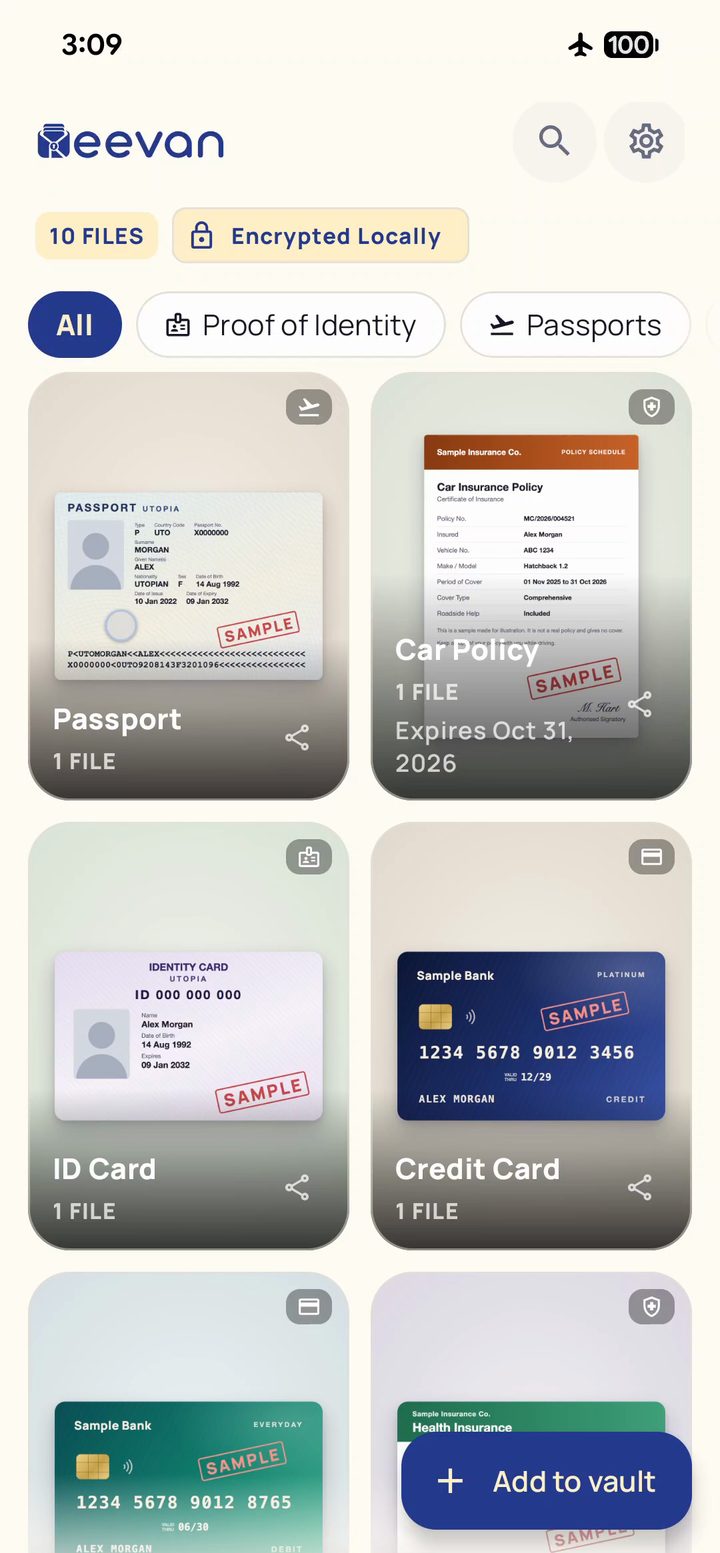
Keevan is a document vault and ID card wallet. Scan your passport, ID card or insurance card once, then open it in one tap at a hotel desk, an airport or a hospital counter, even with no signal.
 5 items free. Unlimited with one payment, no ads.For Android 10 or newer. Not available on iPhone.
See Keevan in 30 seconds
What you can keep
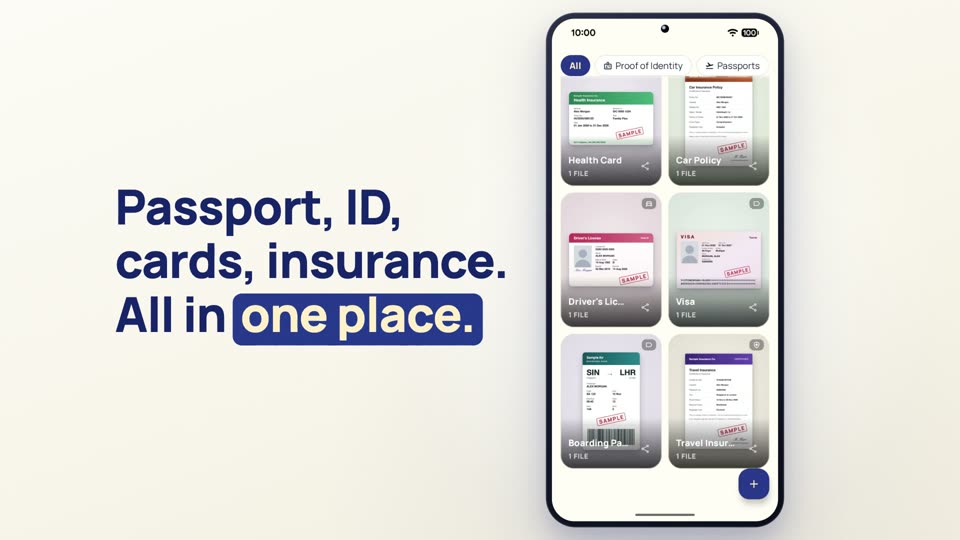
Everything you carry, in one place
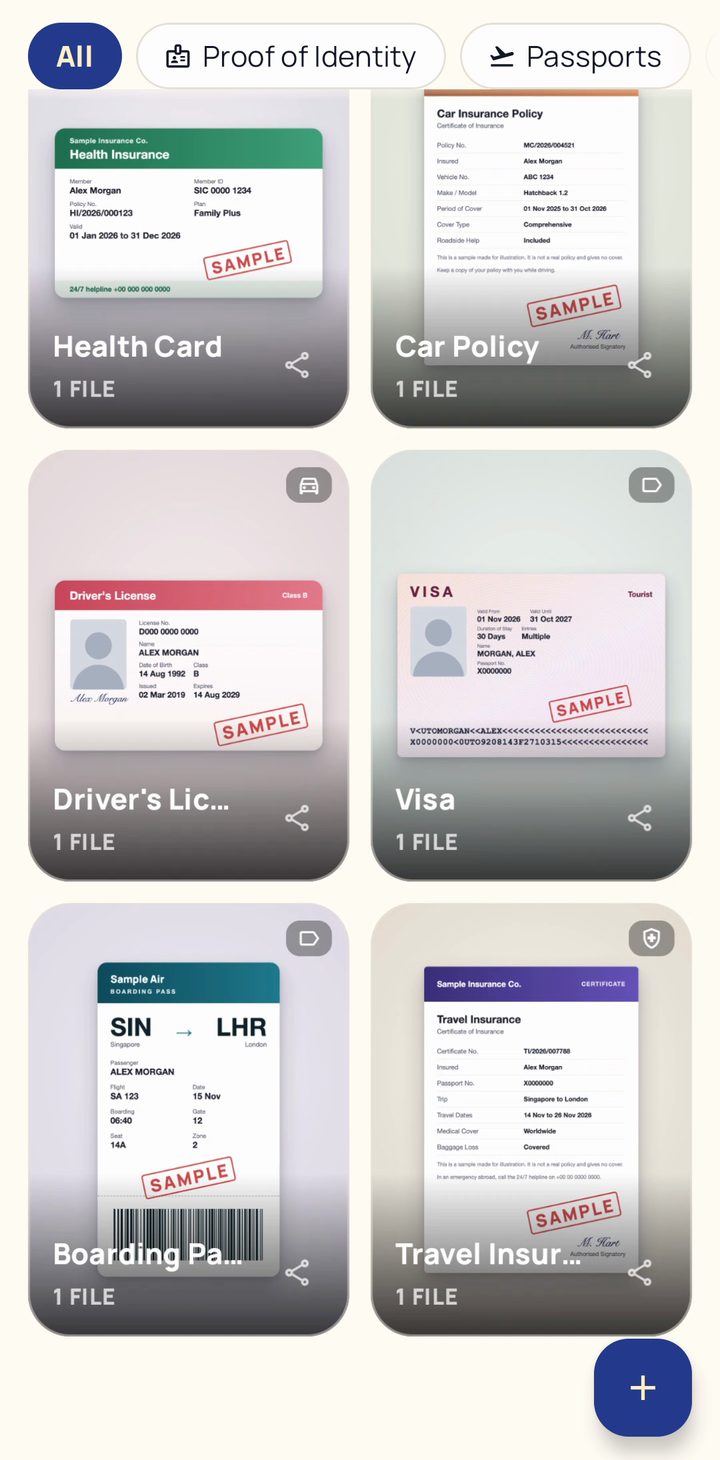
- Passport, visa, boarding pass and travel insurance, for every trip
- National ID card and driving licence, front and back together
- Health insurance card and car insurance policy
- Credit and debit cards
- Any other document as a photo or a file such as a PDF, in categories you name yourself
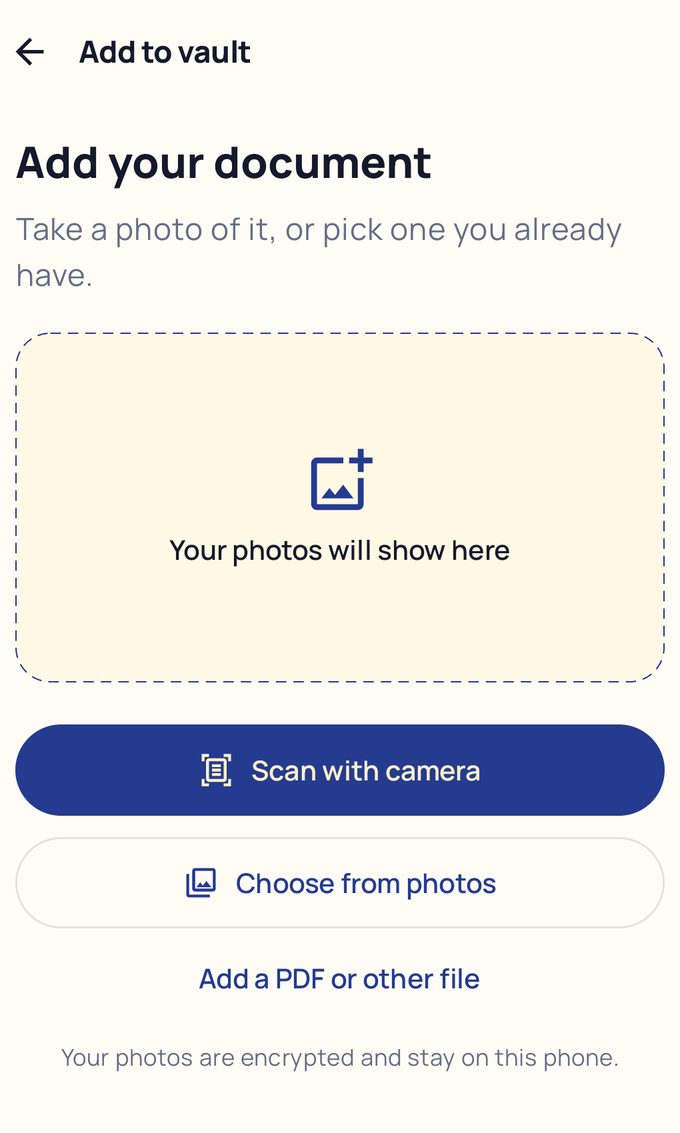
Scan with camera finds the edges and crops the page (sample passport)
Adding a document
Scan it with your camera
Tap Scan with camera and Keevan finds the edges of each page and crops it for you. Scan an ID card front and back, or several passport pages, in one go. You can also pick a photo from your gallery or add a PDF.
The scanner gives Keevan only the pages you scan. Give each item a name and an expiry date, and search finds it later.
Opening a document
Opens in one tap, even offline
At a hotel desk, an airport or a hospital counter, open the right document in seconds. Your vault lives on your phone, not online, so it opens in flight mode and with no signal.
Expiry reminders
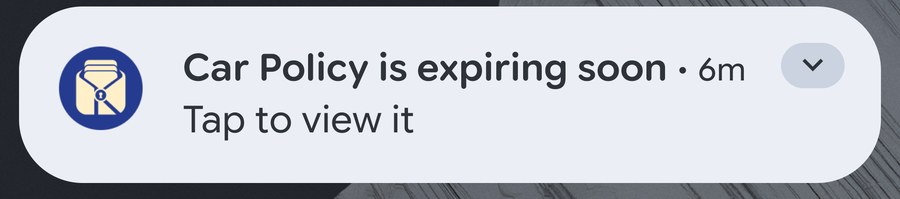
A reminder 30 days before it expires
Add an expiry date to a passport, driving licence or insurance policy, and Keevan reminds you 30 days before, so there is time to sort it out.
Security
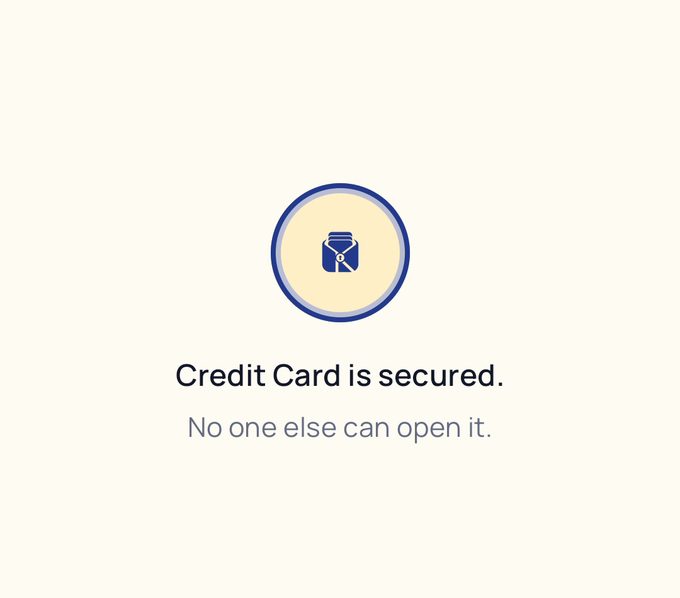
Real encryption, not just a lock screen
Your vault is encrypted with Android's Keystore, with hardware-backed protection on supported phones. Every photo and file is stored encrypted, not just hidden behind a PIN.
- Your phone's own lock (fingerprint, face or PIN) opens the vault
- Add a separate 6-digit app PIN if you share your phone
- Auto-lock closes the vault again when you leave the app, after a delay you pick
- Screenshots and screen recordings can be blocked inside the app
- Password-protected backups, and an Emergency Backup you can share with someone you trust
Questions
Does Keevan work without internet?
Yes. Your vault is on your phone, so every document opens offline.
Is Keevan a government app?
No. Keevan keeps your own copies handy. It does not issue, verify or replace official documents.
Can I move my vault to a new phone?
Yes. Create a backup file, then restore it on the new phone with its password.
What happens after 5 items?
Your 5 items stay free to use, or you can unlock unlimited items with one payment. Google Play shows the price in your own currency. There is no monthly or yearly fee.
Is Keevan available on iPhone?
No. Keevan is made for Android phones only (Android 10 or newer).
Does Keevan see my documents?
No. There is no Keevan account and no Keevan cloud. Analytics and crash reports never include your documents, cards, photos or PIN. The privacy policy has the details.
Keep your documents ready, offline. Free on Google Play.